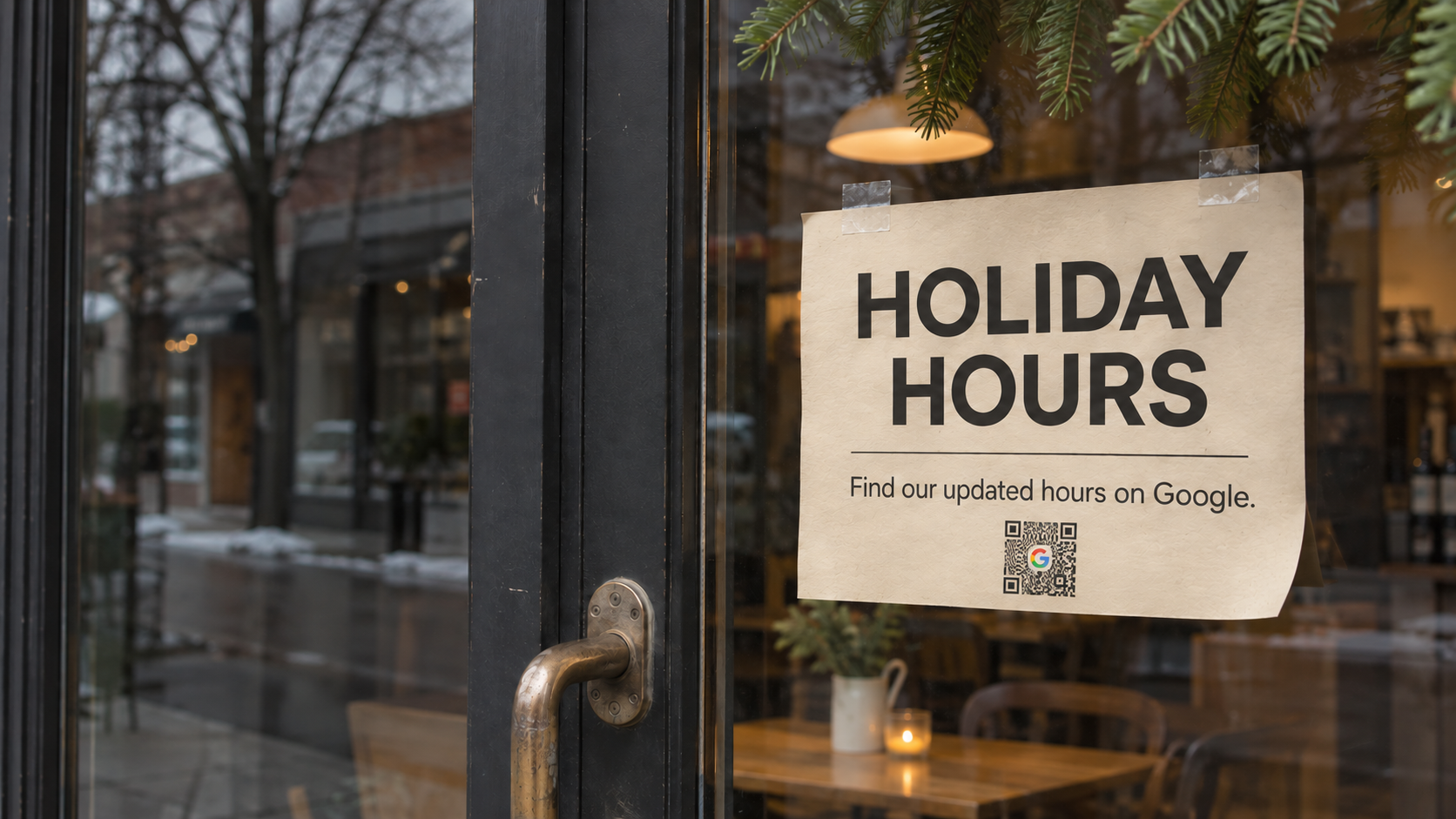
Google Business Profile Holiday Hours for Jersey Shore Businesses
Between Thanksgiving and New Year's Day, many restaurants, shops, and service businesses along the Jersey Shore close early, close for a day, or shut down for the winter. Google Business Profile holiday hours tell customers about those changes on Google Search and Maps. If the hours on the profile are wrong, a customer can drive to a dark storefront in Belmar or Seaside Park, and that customer may not try again.
You set holiday hours in your Google Business Profile as special hours, a separate entry for each date that doesn't touch your regular weekly schedule. Google's help pages describe special hours for closures of up to six days in a row and recommend marking a business "Temporarily closed" when it's shut for the off-season or for more than seven days. Holiday closures usually call for special hours, and seasonal businesses may also need the second setting.
ShoreSite Web Designs checks profile hours as part of the local SEO work we do for Jersey Shore businesses, along with the categories, photos, and reviews on the same profile.
What Are Special Hours on a Google Business Profile?
Special hours are date-specific hours in a Google Business Profile that replace your regular hours on the days you choose, for holidays, events, or other temporary changes. According to Google's help page on special hours, they appear to customers only on the dates you set, and your regular hours stay the same on every other day.
Special hours only show up if the profile's main hours are set to "Open with main hours." A profile with no regular hours filled in has nothing for the special hours to replace.
The same help page says you can add more than one set of hours for a single date. A restaurant that closes between lunch and dinner on Christmas Eve can enter both stretches for that day. After you change your hours, Google's page on editing hours says the profile shows a message confirming the update. Mobile users can also see a post about the change on the profile's Updates tab.
These are the dates shore businesses most often change hours for this season:
- Thanksgiving, Thursday, November 26, 2026
- Black Friday, Friday, November 27, 2026
- Christmas Eve, Thursday, December 24, 2026
- Christmas Day, Friday, December 25, 2026
- New Year's Eve, Thursday, December 31, 2026
- New Year's Day, Friday, January 1, 2027
Why Set Holiday Hours When You're Open as Usual?
A lot of owners skip a holiday on the profile if they're keeping regular hours that day. We think that's a mistake. Google's help page calls it "a good idea to confirm your hours for official holidays." It adds that this applies "even if they're the same as your regular hours." A customer looking at your listing on Thanksgiving morning wants to know if you're open that day. A confirmed entry for that date answers the question.
Say you run a pizzeria in Point Pleasant Beach that keeps normal hours on Black Friday, closes on Thanksgiving, and closes two or three days around Christmas. Each of those dates gets its own special hours entry, including Black Friday, even though nothing changes that day. That's a few minutes of work in early November, before the dates arrive.
If your profile has other problems you've been meaning to fix, holiday hours are a good time to look at the whole listing. Call ShoreSite Web Designs at (732) 800-1766 if you want a second set of eyes on it.
When a Shore Business Should Mark Itself Temporarily Closed
Google has a separate page on marking a business closed. It says to use "Temporarily closed" if the business is "closed for more than 7 days, closed for the off-season, or closed indefinitely." The profile then shows as temporarily closed on Google Maps and Search. For a boardwalk shop that shuts from January until spring, that's the setting Google describes.
That setting can change where you show up in search. Google says that "for broad queries, temporarily-closed businesses can rank after open businesses." A seasonal restaurant marked closed may appear below open competitors for searches like "seafood near me" until it reopens. That's the right trade while the doors are shut. Mark the business reopened on the day you start serving again.
Before you mark the business closed, put the same closing and reopening dates on your website's hours page. Customers who check both should find them in agreement.
A business that stays open through the winter on shorter hours doesn't need either setting for those months. Change the regular hours instead, and keep special hours for the individual holidays.
Check Your Listing the Way a Customer Sees It
Open Google Maps on your phone, search for your business by name, and read the hours on your listing. Check that the regular hours are current, then check whether any holiday dates already have special hours set. If the profile still lists summer hours or the holidays are blank, customers see the same thing.
Then read your listing as if you've never been to your business. When ShoreSite Web Designs reviews a shore business's profile, we compare its hours with the hours on the business's own website, since customers may check both. Hours are also one of the profile details we check when a business is missing from the Google map pack.
Set Your Google Business Profile Holiday Hours Before Thanksgiving
Customers who check your hours on Google before they drive over should see the hours you'll keep that day. We can review your Google Business Profile, set this season's holiday hours, and plan the off-season settings with you. Call ShoreSite Web Designs at (732) 800-1766 or tell us about your site here, and we'll show you what we'd fix first.